> For the complete documentation index, see [llms.txt](https://help.sleuth.io/llms.txt). Markdown versions of documentation pages are available by appending `.md` to page URLs; this page is available as [Markdown](https://help.sleuth.io/sleuth-skills/govern.md).
# Govern
Sleuth Skills keeps an append-only audit log of every install and team change, plus pre-built dashboards that show what your org is actually using.
Once you have assets published and distributed, the question becomes: *is anyone actually using them, and can I reconstruct what happened?* Sleuth Skills answers both through the **Govern** pillar.
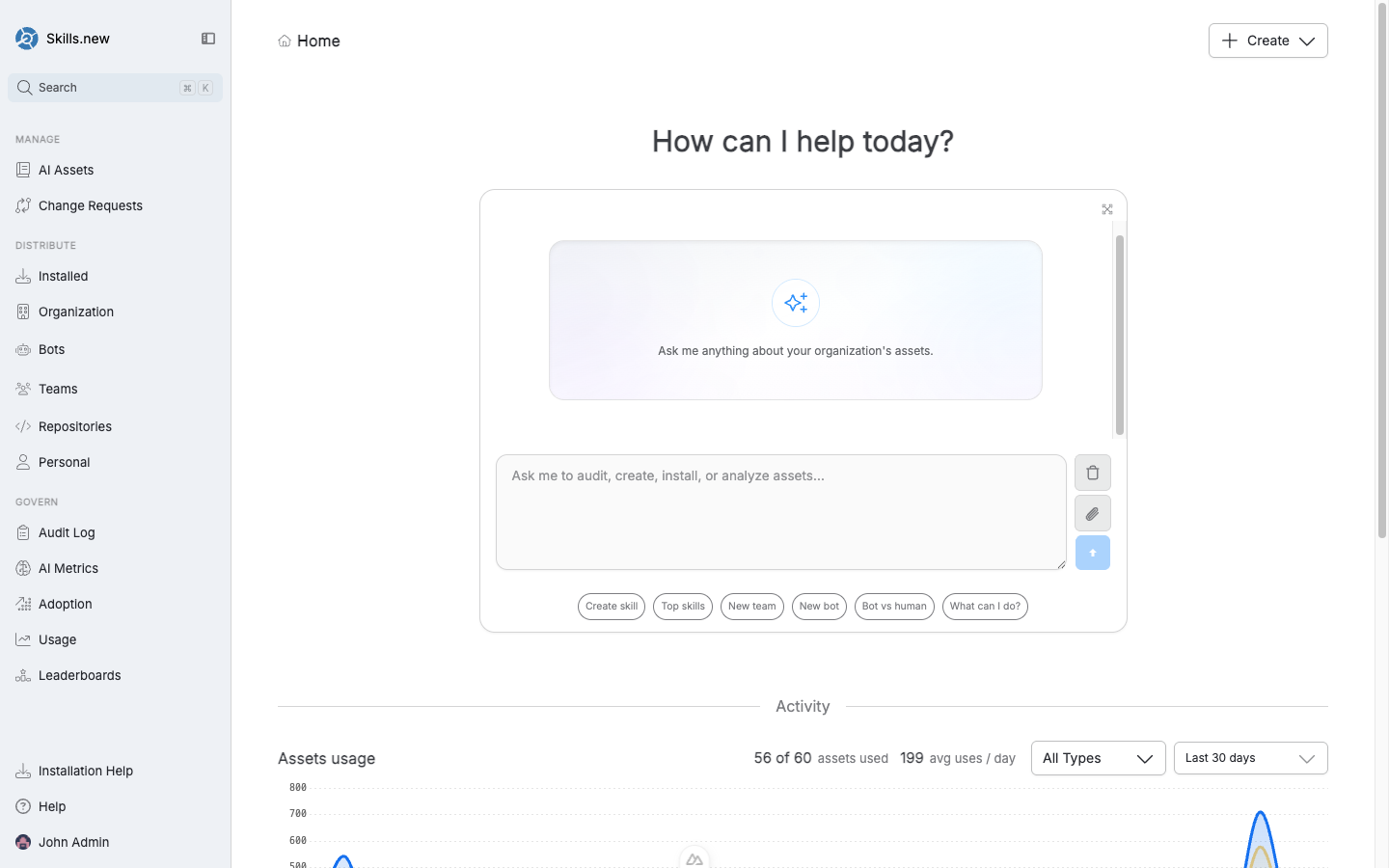
The Govern section — Audit Log, AI Metrics, Adoption, Usage, and Leaderboards.
## The two governance surfaces
| Surface | Question it answers | Page |
| ------------------------------------------------- | ------------------------------------- | --------------------------------------------------------------------------------------------- |
| [Audit log](/sleuth-skills/govern/audit-log.md) | *Who changed what, and when?* | Installs, uninstalls, team and bot changes, asset publications — every mutation. Append-only. |
| [Usage metrics](/sleuth-skills/govern/metrics.md) | *Who is actually using these assets?* | Pre-built dashboards for adoption, top assets, per-team rollups, leaderboards. |
The audit log is the compliance record — it's what you reach for during an incident review or a security question. The usage dashboards are the adoption signal — they tell you which assets are earning their keep.
## Pre-built and custom dashboards
Under **Usage metrics**, Sleuth Skills ships four pre-built dashboards — **AI Metrics**, **Adoption**, **Usage**, and **Leaderboards** — plus a fifth **Start from scratch** option for building your own. You can clone any preset into a new custom dashboard and extend it, add widgets backed by PQL queries, or ask the assistant to generate persistent charts and tables from a natural-language prompt. See [Usage metrics](/sleuth-skills/govern/metrics.md#custom-dashboards) for the full walkthrough.
## Why both matter
Governance often means "compliance checkbox," but in Sleuth Skills the two surfaces work together to support real engineering decisions:
* A skill has low usage in the dashboard. Check the audit log — was it actually installed for the people who would benefit?
* A new rule went out org-wide and errors spiked. The audit log tells you when and who; the usage dashboard tells you whether engineers are bypassing or following it.
* Someone reports a surprising behavior. The audit log reconstructs the exact set of installs at that moment.
## Default filters
Every Govern surface defaults to the organization scope and the last 30 days. You can narrow to a specific team, repository, user, or asset type using the **Add filter** control at the top of each page. The dashboards respond immediately; the audit log supports the same filters plus free-text event search.
## Export
Both the audit log and dashboard data can be exported. The audit log has an **Export CSV** button in its header; dashboard widgets can be exported as CSV or cloned into a custom dashboard for sharing.
The CLI counterpart — `sx audit --json` and `sx stats --json` — returns the same data for git and path vaults; the Skills.new hosted vault delegates those commands to the server's aggregation API.
---
# Agent Instructions
This documentation is published with GitBook. GitBook is the documentation platform designed so that both humans and AI agents can read, navigate, and reason over technical content effectively. Learn more at gitbook.com.
## Querying This Documentation
If you need additional information that is not directly available in this page, you can query the documentation dynamically by asking a question.
Perform an HTTP GET request on the current page URL with the `ask` query parameter, and the optional `goal` query parameter:
```
GET https://help.sleuth.io/sleuth-skills/govern.md?ask=&goal=
```
`ask` is the immediate question: it should be specific, self-contained, and written in natural language.
`goal` is optional and describes the broader end goal you are ultimately trying to accomplish on behalf of the user. GitBook uses it to tailor the answer towards what is most useful for that goal.
The response will contain a direct answer to the question and relevant excerpts and sources from the documentation.
Use this mechanism when the answer is not explicitly present in the current page, you need clarification or additional context, or you want to retrieve related documentation sections.